Reduce Tokens in Claude Code
Discover practical strategies to reduce token consumption and lower costs in Claude Code via prompt optimization and context management.
Why Token Efficiency Matters
Claude Code is a powerful AI coding assistant, but as usage scales, token costs can grow exponentially. Developers working on large projects or collaborating with AI throughout the day can easily rack up significant monthly expenses.
But token efficiency isn't just about saving money. The cleaner and more focused your context window, the higher quality responses you get. A context window stuffed with irrelevant information dilutes the AI's focus and degrades output quality.
This guide covers practical, battle-tested strategies for reducing token usage in Claude Code.
The Core Principle: Treat Context Like a Surgical Tool
The key to saving tokens is giving the AI "only what's needed, precisely, at the right time." Think of it like briefing a specialist — give them just the essential context, not your entire life story.

1. Use CLAUDE.md to Pre-Register Repetitive Instructions
Claude Code automatically reads a CLAUDE.md file in your project root. Whatever you find yourself repeating in every chat session belongs in this file.
Inefficient pattern (repeated every session):
"This project uses Next.js 15, TypeScript, and Tailwind CSS.
No semicolons. 2-space indentation.
Always use named exports for components."
Efficient pattern (defined once in CLAUDE.md):
## Code Style

- Next.js 15 App Router
- TypeScript strict mode

- Tailwind CSS v4
- No semicolons, 2-space indent

- Named exports only

## Prohibitions

- No console.log in production code
- No `any` types
This single change can save hundreds of tokens per conversation.
2. Use `/clear` Strategically
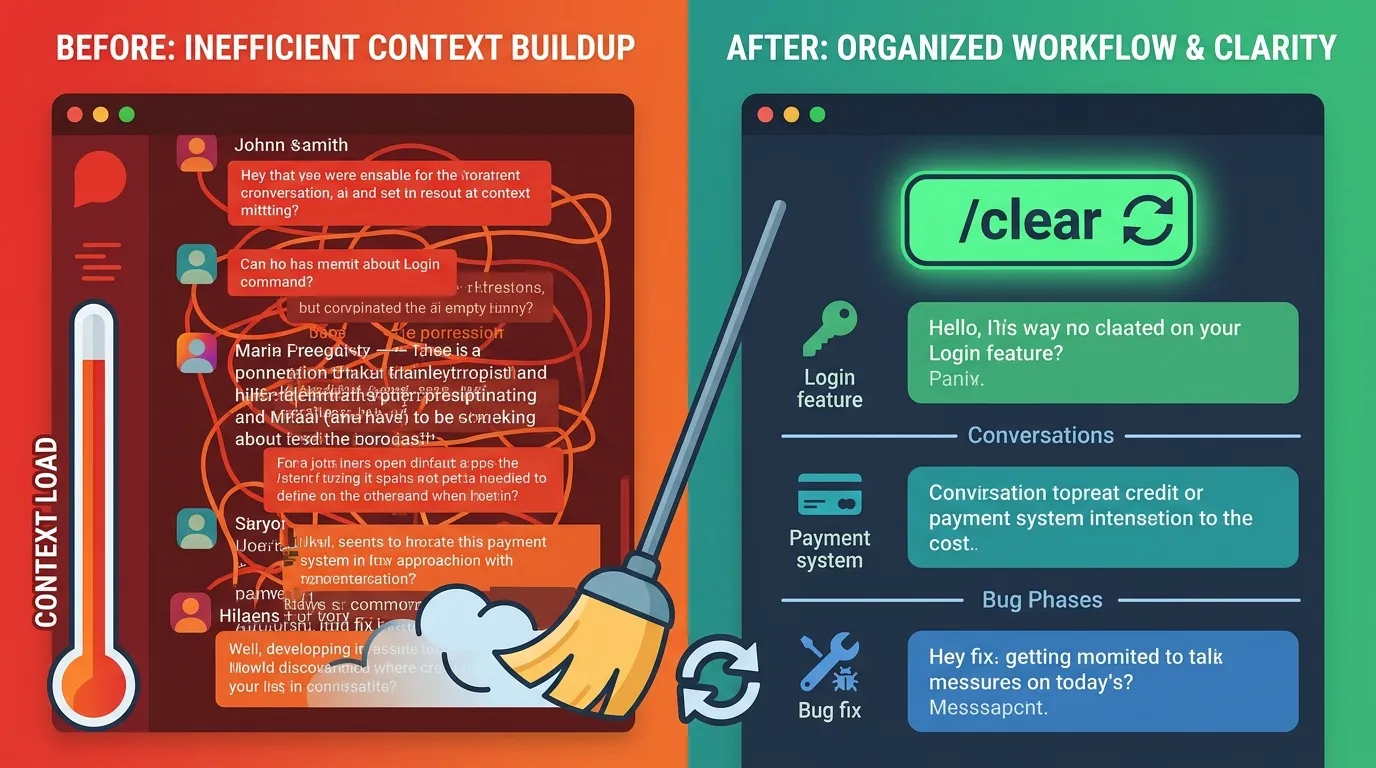
In Claude Code, the context window accumulates past conversation as sessions grow, consuming tokens rapidly. Clear the context whenever you switch task units.
For example:
- Finish implementing login →
/clear→ Start payment feature - Fix a bug →
/clear→ Begin new feature development
Treating each task as an independent session prevents old conversation history from silently consuming your token budget.
3. Share Only Relevant Code, Not Entire Files
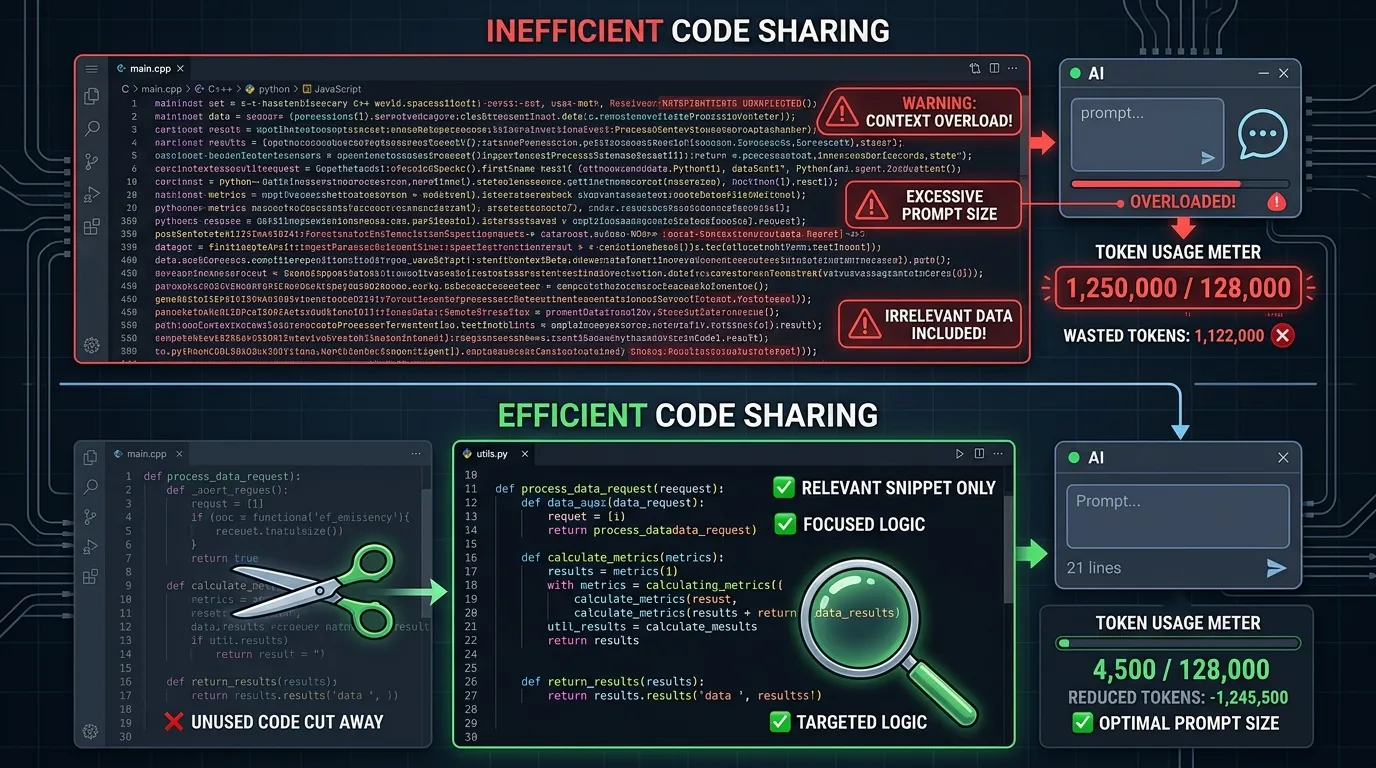
When attaching code, copy only the relevant function or block rather than entire files.
Bad:
"Here's all the code. Find the bug." (attaches 500-line file)
Good:
"This function has odd behavior:
[relevant 20 lines]
Symptom: redirect doesn't happen after login"
4. Ask Specific Questions to Narrow Scope
Vague questions force the AI to make many assumptions, resulting in lengthy responses. Specific questions lead to concise, accurate answers.
| Vague Question | Specific Question |
|---|---|
| "Improve this code" | "Reduce the time complexity of this function from O(n²) to O(n)" |
| "Fix the error" | "Root cause of TypeError: Cannot read property 'map' of undefined" |
| "Review my code" | "Review only for security vulnerabilities" |
Advanced Strategies: Understanding Token Consumption Patterns
5. Use Think Mode Selectively
Claude Code's Think and ultrathink modes reason deeply through problems but consume 3–10× more tokens than normal mode. Use them according to these criteria:
When Think mode pays off:
Complex architectural decisions
Tricky algorithm implementations
Root cause analysis of complex bugs
When normal mode is sufficient:
Simple code edits and formatting
Translation tasks
Adding straightforward functions
6. Break Large Tasks into Focused Sessions
For tasks spanning multiple files, splitting into small, independent sessions outperforms one giant session.
For example, "Refactor 10 files" should be:
- ❌ One session processing all files (context overload)
- ✅ Sessions of 2–3 files each, processed independently
7. Leverage Caching (Reuse Your Outputs)
The Claude API supports prompt caching. Registering frequently used long system prompts or documents as cached content can reduce token costs for that content by up to 90%.
In Claude Code, CLAUDE.md effectively serves this purpose. Centralizing all shared context in CLAUDE.md allows you to benefit from internal caching automatically.
Pre-Task Checklist
Before starting any work session, verify:
Project rules are defined in
CLAUDE.mdUsed
/clearwhen switching to a new taskSharing only relevant code blocks, not full files
Questions are scoped to a specific problem
Not using Think mode for simple tasks unnecessarily
Estimated Savings Summary
| Strategy | Expected Savings |
|---|---|
| CLAUDE.md usage | 200–500 tokens per session |
| Proper /clear usage | 30–60% vs. long sessions |
| Specific questions | 40–70% shorter responses |
| Minimizing Think mode | 70–90% on those queries |
| Sharing relevant code only | 50–80% fewer input tokens |
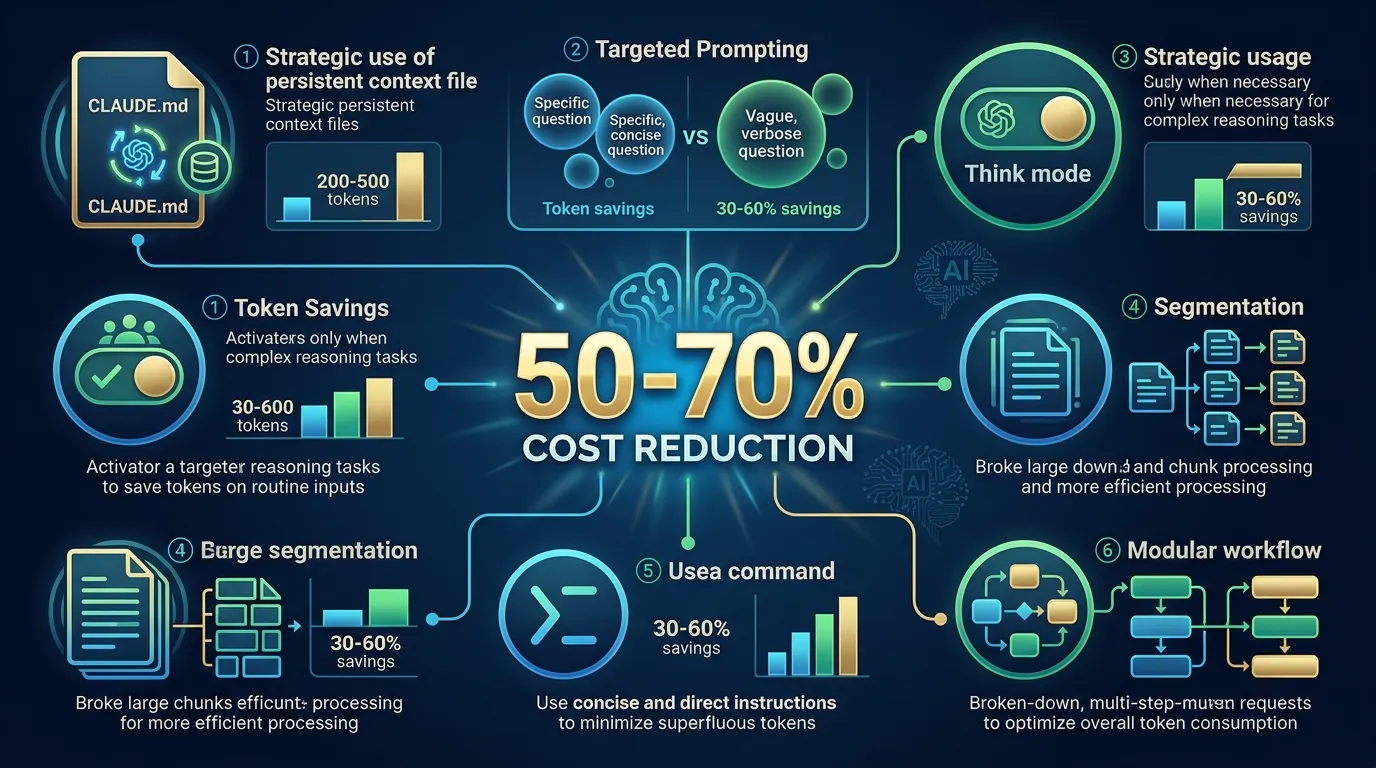
Combining these strategies can reduce overall AI costs by 50–70% — while often improving response quality at the same time.
Closing Thoughts
Using AI coding assistants efficiently isn't just about cutting costs. The cleaner your context, the more the AI focuses on what matters and produces better results.
It may feel awkward at first, but develop the habit of using /clear frequently and maintaining your CLAUDE.md. Within a few weeks, the difference will be clear.
Contact
- Email: kck0920@gmail.com
- GitHub: https://github.com/kck0920